
USFans Tracking: Keep the Parcel Handoff and Event Times Separate
USFans tracking becomes useful when each event stays attached to the correct parcel reference. In your private tracking notes, record the carrier or service, tracking reference, handoff date, event time, location and exact event text. Keep the timezone when it is displayed. Use the USFans spreadsheet guides to organise product decisions separately from those private parcel records.
A tracking number can identify a label without proving that a carrier has received the parcel. Do not use an unchanged label status as a delivery estimate.
Read the milestones in sequence
USFans' tracking instructions, checked on 30 September 2026, direct you to “Tracking Details” for the selected parcel. Open the parcel you actually want to check rather than following a product-page link. If you sent more than one package, confirm which reference the displayed events belong to.
Separate label created, carrier acceptance, departure, arrival, customs processing, local handoff and delivery scan. These events describe different stages and can occur hours or days apart. Copy the latest event exactly and keep older events beneath it rather than replacing the timeline with one status word.
Use the USFans shipping guide for the route inputs, packed measurements and service quote. Tracking can display label information before physical handoff; distinguish that early record from a carrier acceptance scan. Neither supplies missing information about the original quote.
Give every package its own timeline
For a split shipment, create one event list per package and link each list to a parent consolidation reference. Do not assume that one package's delivery scan applies to the other items. If a service combines several references, save the individual identifiers as well as the parent view.
When two screens disagree, retain both timestamps and note whether one is a local scan time or a later update time. Reopen the source before calling a quiet period a delay or treating a repeated event as new movement. The USFans warehouse guide explains why an item receipt state is different from carrier acceptance.
Distinguish a missing first scan from a later quiet period
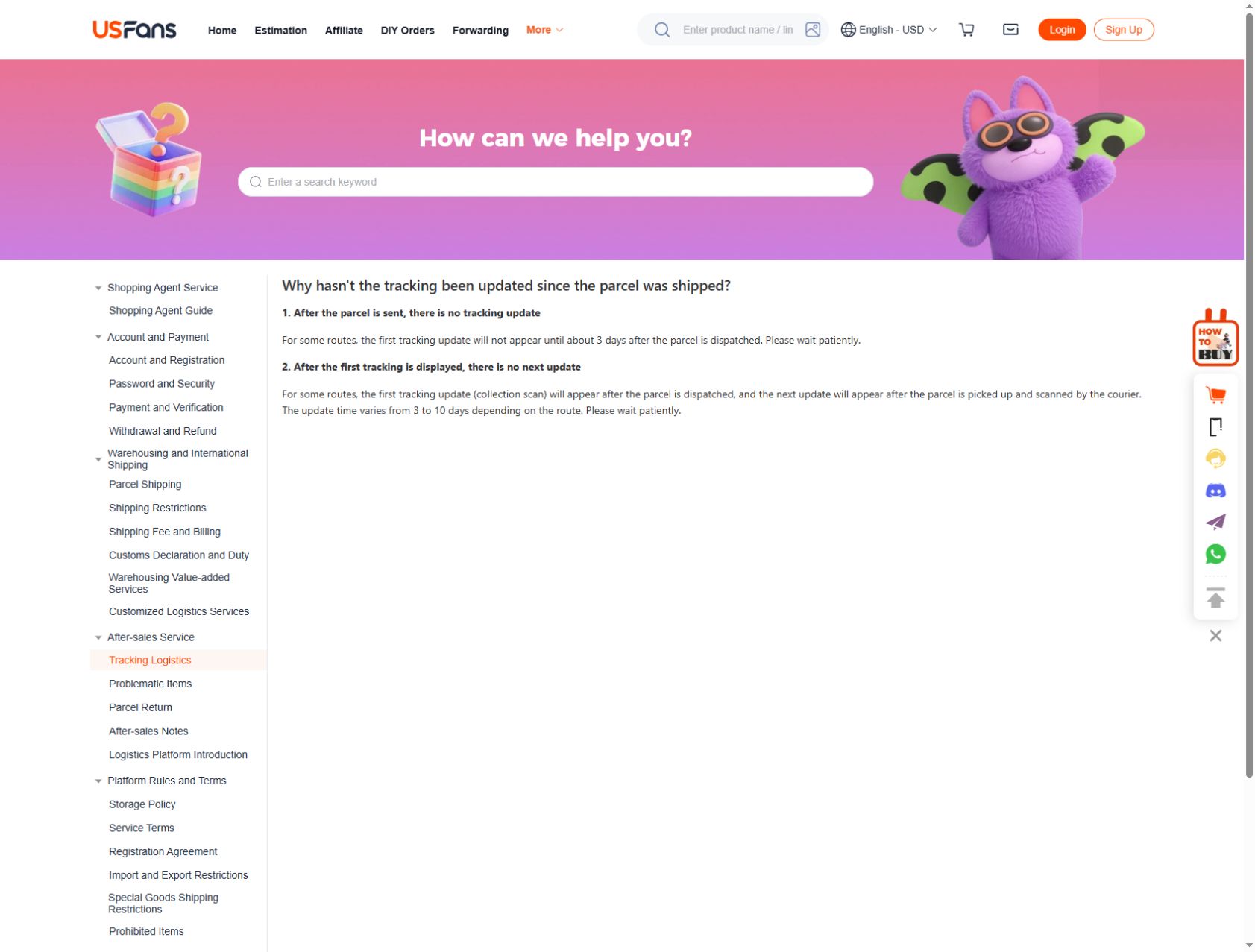
The USFans tracking-update help page, checked on 30 September 2026, describes first updates appearing about three days after dispatch on some routes. Separately, it describes gaps of three to ten days before a subsequent update, depending on the route. These are descriptions of tracking visibility, not promises that delivery takes three or ten days.
Check which situation applies: no initial event, an unchanged later event or an explicit request for action. If the record asks you to provide information or resolve a delivery issue, follow that instruction promptly rather than treating the general gap description as a reason to wait. Keep the service name and last event when asking what should happen next.
Ask support with the event attached
If the latest event is unclear, send one reference-based question through USFans Support. Include the exact event text, its time and location, the last confirmed milestone and the question you need answered. Keep personal addresses and unrelated account details out of any shared record.
Add a dated next action, such as checking the source again after a stated interval or asking which handoff is missing. A tracking row documents what the carrier view reported at that time; it does not guarantee the next event or a delivery date.
Revisit the football-boot details on USFans
If football boots are one of the items in your shipment, the listing can help you identify the product in your own notes. It is not a parcel lookup and cannot show where your shipment is; use the tracking reference attached to that package for its event history.
Locate the exact purchase first
Match the item, selected option and quantity with your own order record. Check that you are using the account that placed the purchase. If you have several similar items, use their private identifiers rather than relying on a thumbnail that looks familiar.
A public product page can help identify a find: inspect these garment options on USFans. It cannot show your private order status. Stock text or a changed product image is not a replacement for the record of your purchase.
Move to parcel tracking at the right stage
Once a parcel record is relevant, compare its tracking details with its latest events. A tracking number alone does not demonstrate carrier acceptance or delivery. The delivery-time guide explains why elapsed time depends on which event starts the comparison.
If you need help, send support the relevant identifier privately, the latest message and the action you expected. Ask what stage has been reached and whether anything is required from you. A precise question is more useful than a screenshot of an entire account page, and it avoids exposing unrelated orders or personal information.