
USFans Spreadsheet Guide: From a Saved Find to a Parcel Decision
Use this USFans spreadsheet guide to keep each buying decision connected to the item you actually selected. A spreadsheet can help you discover and compare products, but an order needs the correct option, quantity and account action. Finding a link is not the same as buying the item or arranging its international delivery.
Understand the shopping-agent stages
USFans' first-purchase help page, checked on 30 September 2026, describes two payments. The purchase stage covers the product and domestic shipping in China; the later parcel stage covers international shipping after warehouse items are selected for dispatch.
Keep those stages in separate budget lines:
| Decision | Information to retain |
|---|---|
| Purchase the item | Exact option, quantity, product charge and domestic freight |
| Prepare an international parcel | Included warehouse items, packed measurements, destination and chosen service |
| Pay for the parcel | The service's current charge and any selected extras |
Estimate international shipping before committing to the purchase, then revisit it with actual parcel inputs. Combining items changes the parcel; it does not automatically prove a saving.
Choose the exact item before opening a purchase
Start from the USFans spreadsheet homepage and use the best spreadsheet guide to compare relevant alternatives. Open the product destination rather than choosing only from a thumbnail.
For a clothing example, inspect this hoodie on USFans. Compare its available size and colour information with the selection you want, then retain that option alongside the product address before moving to your purchase record.
Retain the item address, selected option and quantity privately. Confirm included pieces if a gallery shows a complete outfit. If a saved link opens a different page, consult the links guide before substituting a similar-looking item.
Resolve fit before committing
Use the chart for the selected version and compare its measuring method with a garment you own. Keep garment measurements separate from body measurements. A familiar size letter or another buyer's preferred fit is not enough to choose your own option.
The size guide helps you formulate a specific measurement question. If the information essential to your decision is unclear, resolve that question before treating the item as ready to order.
Confirm the purchase in your own account
Use the service destination and account you have established for your orders. Review the selected item, option, quantity and displayed charge before confirming an action. Match the summary to your saved choice, especially if a page reopened with a different default size or colour.
Check the order record after submission. If a payment result is uncertain, inspect the relevant records before repeating it. The payment guide and payment-error guide cover those separate questions.
Keep purchase and later international shipping amounts distinguishable. A successful item payment does not by itself show that the international parcel has been created or dispatched.
Inspect the item associated with the warehouse record
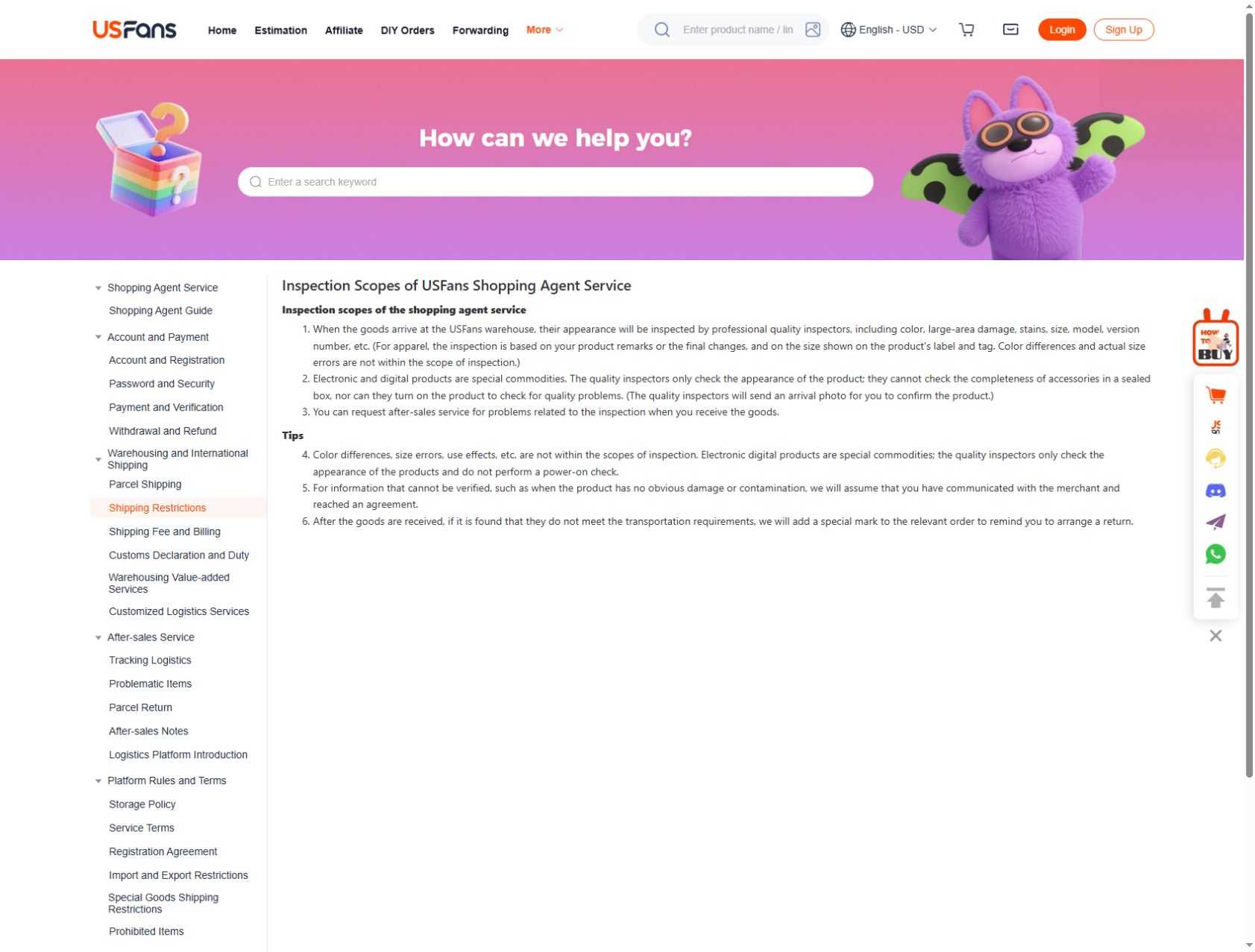
When the order has a warehouse record and photos, match them to the selected item. Check visible colour, quantity, construction and any measurement you requested. Do not attach a similar item's image to your purchase as proof that yours is correct.
The QC guide explains visible checks and their limits. Pictures cannot establish every material property, authenticity claim or future wear result. If an item differs from the selection or a detail concerns you, ask about that specific problem before including it in a parcel.
For a return question, read the current conditions for the particular order and use the returns guide. Asking for a return and receiving approval are different events.
Plan shipping around the actual contents
Choose which items should be sent together, then establish the packed weight, outside dimensions, destination and item types relevant to the available services. An estimate based only on clothing weights can differ from the packed parcel.
Use the shipping calculator guide to prepare a comparable set of inputs. Read the route's actual conditions before choosing it; do not change the contents description to bypass a restriction. Check optional packing or protection separately, including any effect on the total.
If you add another item or change the packing, revisit the comparison. A saved estimate is not automatically valid for the changed parcel.
Follow the parcel without guessing its stage
Inspect the parcel record and available tracking events after shipping is arranged. A tracking number alone does not establish that a carrier has physically accepted the package. Read what the event says and retain its time.
The tracking guide and delivery-time guide help separate preparation, movement and delivery. If an update is unclear, ask support about that parcel and stage instead of combining unrelated order messages into one timeline.
Keep private details out of shared questions
Share only the information needed to explain an item or issue. Remove addresses, contact details, account identifiers, payment information and scannable labels from public screenshots. Use an appropriate private channel for an order-specific request.
Can I skip the listing check if the spreadsheet is recent?
No. Recheck the selected option and relevant details before the purchase that depends on them.
Does a warehouse photo mean the item has been sent internationally?
No. A warehouse observation and a parcel-dispatch event concern different stages.
Can I calculate delivery from the product price alone?
No. The parcel, destination and available service must be assessed separately.