
USFans QC Photos: How to Check the Right Pair Before Shipping
QC photos are useful only when you can connect them to the item and option in your USFans spreadsheet. A clear picture of an unknown parcel cannot prove that it belongs to your order. Before asking for a new view, copy the product or warehouse reference, selected colour and size, and the question you want the photo to answer.
Use the USFans spreadsheet links guide to keep the reference attached to the selected option. This prevents a close-up from one listing being compared with the wrong product row.
Read the pair from above before judging its size
In this public USFans QC view, both white shoe uppers are visible together. Locate the toe perforations, lace rows and tongues before comparing a detail. A loose paper tag rests across one lace area, so that small area is partly covered; do not mark it as fully inspected.
The CM marks belong to the background mat. Neither shoe is aligned to a stated start and end point for an insole or foot-length measurement. This view helps identify where another close-up is needed, but a size decision needs the relevant label and a correctly defined measurement. These are demonstration images from a public gallery, not QC photographs of the different sneaker linked below.
Ask for views that resolve a choice
Start with a full view of the pair and then request only the close-ups needed for the decision. A useful set may include the size label, the outsole, a marked panel, the inside tag or a suspected loose seam. The exact views depend on the concern; more photographs do not automatically provide better evidence.
For colour, compare both shoes under the same lighting and keep the selected listing option beside the image. For construction, use a close-up that shows the seam or join and a wider view that shows where it sits on the shoe. For included items, photograph the pair and the packaging separately so a box or spare lace is not mistaken for part of the product itself.
Keep observation separate from interpretation
Write what the image shows before writing what you think it means. “A loose thread is visible beside the heel seam” is an observation. “The shoe will fail quickly” is a prediction that the photo cannot establish. Similarly, a dark image may make a colour look different without proving that the wrong option was picked.
Check both left and right shoes. One view can hide a difference in stitching, label, sole or panel placement. If the item reference, option or size cannot be confirmed, leave the comparison open and ask for the missing identifier instead of selecting the first visually similar image.
What QC photos cannot answer
Images can support visible details, but they are not a wear test. They cannot establish comfort, grip, durability, authenticity or how a material will behave after use. They also cannot prove that a different parcel will have the same condition. Keep those questions out of the QC conclusion and record them as separate unresolved decisions.
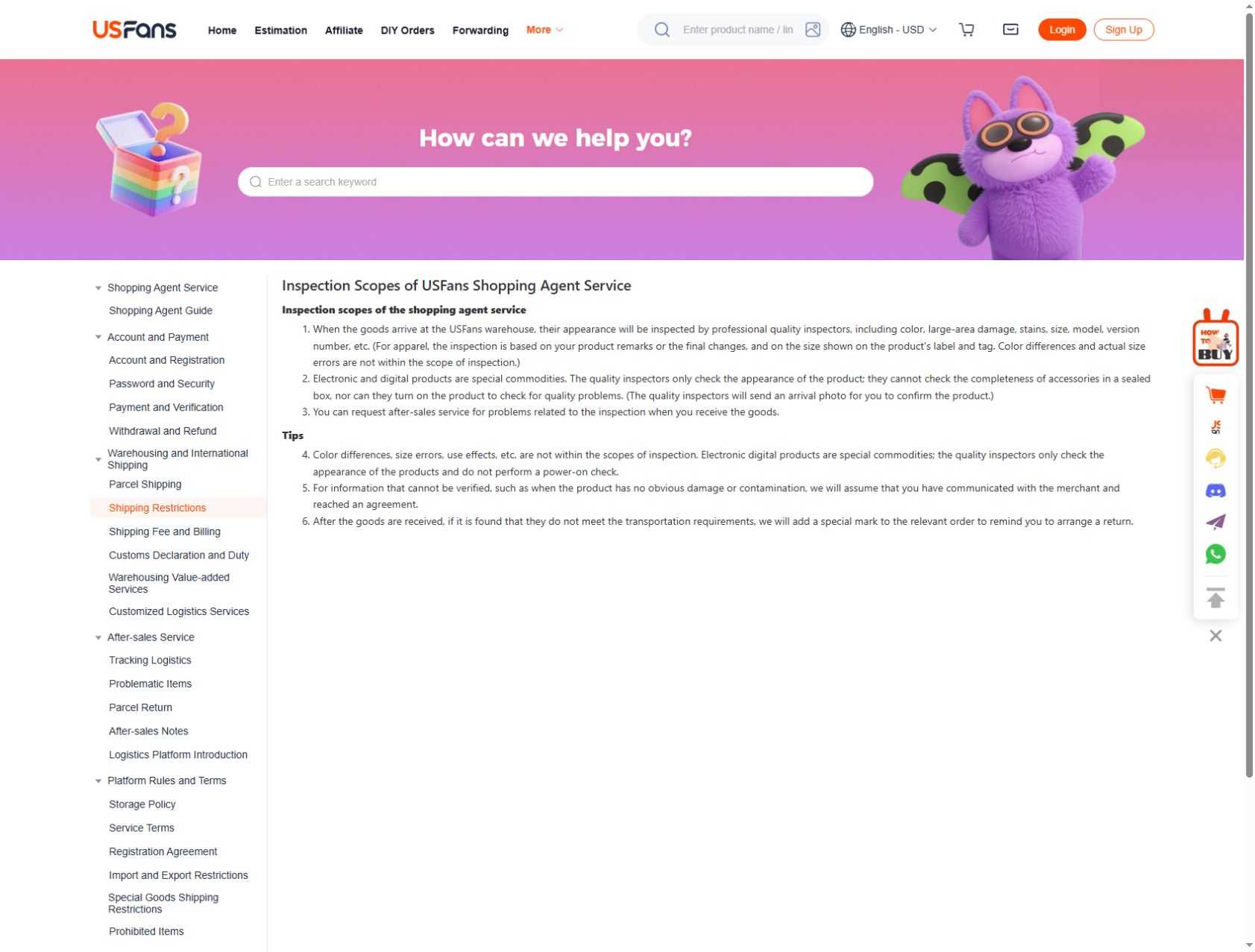
USFans' inspection description, checked on 30 September 2026, covers exterior appearance and checks apparel sizing against the label or tag. It excludes actual-size errors and colour differences from that scope. A photographed size label answers which size is marked; it does not establish the measured length or how the shoes will fit you.
The same description limits electronic-item inspection to appearance, without a power-on test or checking accessories inside a sealed box. Match the evidence to the question: exterior photographs for a visible mark, a readable measurement for length, and a separate functional check for performance.
The USFans size guide is the place to document a measurement method. Use the USFans review guide only after the compared views refer to the same item and selected option.
Record the next action
For every concern, save the image date, the reference it belongs to, the visible observation and one next action. The action might be to request a clearer label, confirm the selected option, ask support a specific question or continue to packing. Do not replace the original image when a later view arrives; keep the sequence so another reviewer can see what changed.
If you are comparing trainers, open the sneaker details on USFans and check the model and selected option before comparing received-item images. A listing image is a starting point, not evidence that a particular received pair matches it.