
Is a USFans Spreadsheet Safe? Separate Link, Account and Purchase Risks
A USFans spreadsheet cannot make every linked item, account action or shipment safe merely by organising them in one place. Separate the questions: where a link takes you, what information a page requests, what the selected item actually is and what conditions apply to the purchase.
A clear collection can help you notice inconsistencies. It cannot guarantee product authenticity, protect an account by itself or promise the outcome of an order.
Check the destination before providing information
Read the address of the page you actually opened, especially after a redirect. A familiar logo or a reassuring title is not proof that the page belongs to the service you intended to use. A public product link and a private sign-in page should not be treated as interchangeable.
For public browsing, inspect this backpack on USFans. It is an item page, not a USFans account-recovery tool or a place to submit login credentials.
If a link takes you somewhere unexpected, check the destination address and the links guide before continuing. Do not ignore a browser warning or install an unfamiliar file simply to unlock a product list.
Protect the account action, not just the password
Keep passwords, verification codes and recovery information out of shared sheets and community messages. Use the recovery flow belonging to the account you intended to access. A person offering help does not need your verification code merely because they recognise the product.
Share order-specific details through an appropriate private support channel. Crop addresses, contact information and scannable labels before posting a screenshot publicly. The account guide helps distinguish recovery, registration and restrictions.
If an unexpected message requests a payment or sensitive information, pause that action and verify it through the service channel you already trust rather than through the same unsolicited message.
Inspect the exact item before making a product claim
A working link does not prove that the selected size, material or quantity matches a spreadsheet description. Compare the current option, included pieces and available measurements. Do not infer authenticity or fitness for a particular use from branding or a similar-looking photograph.
Matched QC photos can help with visible details, but they cannot establish every material property, long-term durability or hidden function. A positive visual check should not be described as a complete product-safety assessment.
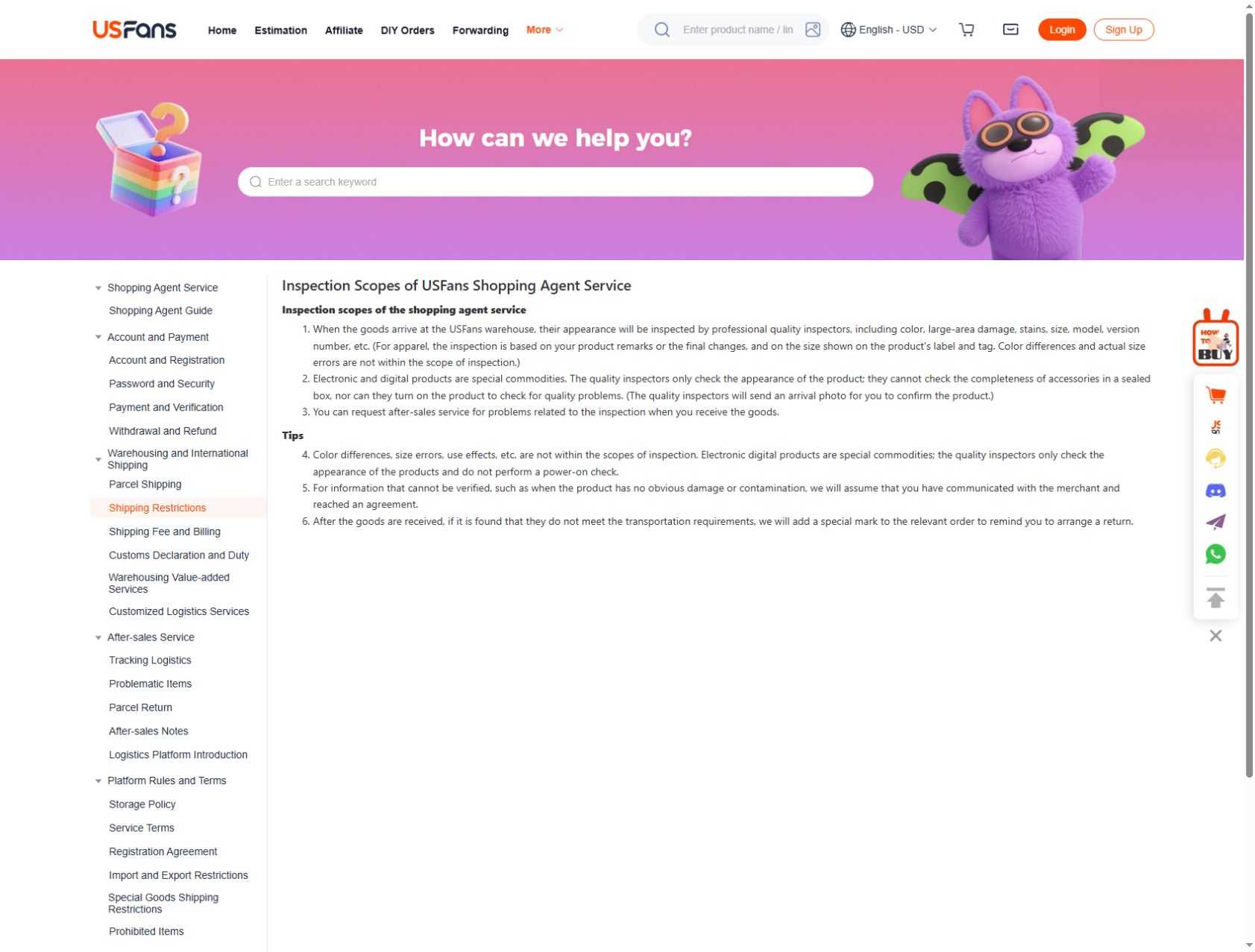
USFans' inspection-scope page, checked on 30 September 2026, describes exterior inspection and label-based clothing-size checks. It excludes actual-size discrepancies and colour differences from that scope; electronic items are not powered on for a functional test. For a size-sensitive garment, ask about measurements rather than treating a matching tag as a fit assessment. For electronics, an arrival image cannot settle whether a needed function works.
For specialised items, resolve the information essential to their intended use before choosing. A collection's category heading does not replace that item-specific assessment.
Resolve payment uncertainty before repeating it
Review the intended order, amount and currency before confirming payment. If the screen fails after submission, inspect the payment and order records rather than assuming that no action occurred.
The payment-error guide explains how to keep attempts distinguishable. Do not make repeated payments to test whether a page is working or send private financial details to a public group for diagnosis.
Read parcel and return conditions for your own case
Check whether the selected service accepts the actual contents and destination. Keep packing, charges, protection and delivery estimates separate from the product price. Do not misdescribe an item to make a restricted route appear available.
If a return or parcel problem arises, read the conditions relevant to that order and ask a precise question through support. A request is not approval, and another buyer's refund or delivery result is not a guarantee for your case.
Decide whether the next action is justified
Before proceeding, ask what the next action will do and which unresolved question could change it. If the destination is unclear, do not provide credentials. If the option is unclear, do not claim the selection is confirmed. If a payment result is unclear, do not repeat it blindly.
The buying guide connects the stages, while the review guide helps interpret other people's experiences. Use them to make a better-informed decision, not to turn partial checks into a blanket declaration that USFans or every spreadsheet link is safe.
Choose the next check by the action
For an item-option warning, compare the selection you made with the option information currently displayed. For a parcel-content warning, review the stated content or route condition rather than changing the description to conceal the item. For an account message, follow the recovery or verification route shown in the service you intentionally opened.
For a route that cannot be selected, USFans' no-route help page checked on September 30, 2026 gives a concrete next step: choose View Reason for that route. The platform says warehouse-assigned product attributes and mailing restrictions affect which routes are offered. Read the reason, then ask online customer service to verify any disputed attribute against the actual item. Do not misdescribe restricted contents to make the warning disappear.
Do not confuse a retry with a diagnosis
If a payment or order submission produced an uncertain result, inspect the corresponding transaction or order record before repeating it. A failed screen response does not necessarily prove nothing was submitted. Use the payment-error guide for that distinction.
If the problem appears limited to loading one page, check the address and whether other public pages load normally. Avoid changing many settings at once; doing so makes it harder to know what affected the result. Removing a warning from view is not the same as resolving its cause.